Welcome to the Vylis.net Wiki
Here you can find information about different game modes and functions on our server.
Welcome to the Vylis.net Wiki
Here you can find information about different game modes and functions on our server.
Click the button below to join our discord server.
DISCORDCore
In this wiki you will find a lot of information and instructions about game modes, discord and the forum.
We hope that this wiki can help you, if not please contact support.
If you find any errors or would like something added to the wiki, please contact support
How to get Coins & XP
You can simply earn coins and xp by playing any gamemodes, redeeming the daily reward or by voting
Gamemode in which no coins and xp can be obtained: Save The World
If you are using LabyMod you can get a bonus in the daily rewards.
Download here https://labymod.net/en/download(No advertisement!)
Save the World
Save The World is a game mode where you complete various missions, fighting different monsters along the way. You explore new maps and unlock new weapons that you can upgrade.
To play Save The World properly, you need to use the STW texture pack.
An explanation of the individual missions in STW can be found at the very bottom.
SPAWN
At the spawn, you have access to many NPCs and functions. Here at the spawn point, you can level up your skill tree, repair your weapons, or buy new items in the weapon or trap shop. Weapon and trap crates can also be opened at the spawn.
BLACKSMITH
Your weapons lose durability when you shoot them. To increase durability again, there is a blacksmith where you can have your weapon repaired for 10 points.
Depending on how broken your weapon is, the chance of repairing your weapon also changes.
If you successfully repair your weapon, its durability will be back to maximum. If the repair fails, the durability will be reduced by 50 and if your weapon's durability is 0, your weapon will be destroyed.
ENCHANTMENTS
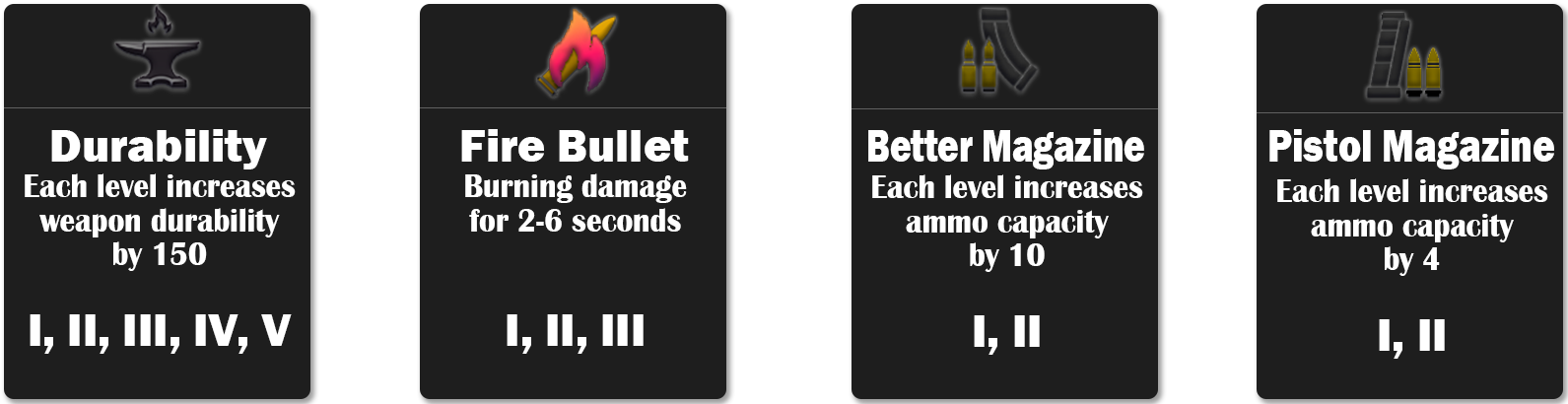
In Save the World, weapons can also be enchanted. This makes them stronger and more durable. Each enchantment costs a different number of points.
Here is an overview of all enchantments.
SKILL TREE
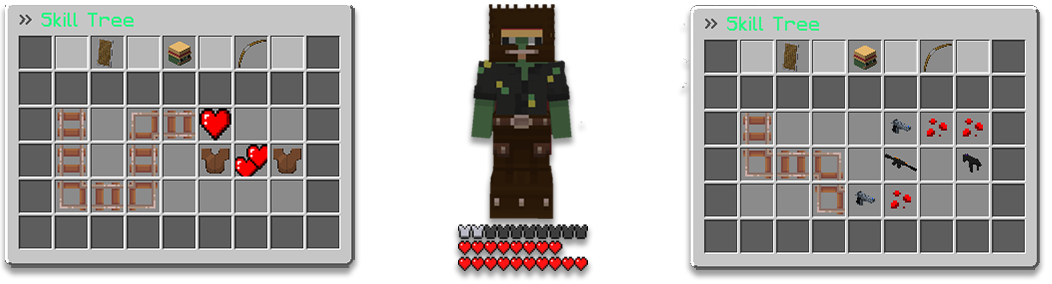
Of course, Save The World also has a skill tree: here you can unlock passive or active skills.
• Passive abilities consist mainly of armor and additional hearts as life.
• Active abilities consist of additional damage for various weapons.
MISSIONS
SEARCH AND DESTROY
In Search and Destroy, the goal is to complete the tasks you receive upon entering a mission as quickly as possible. There are always different tasks. Some tasks count as a team effort, meaning that when one player completes a task, it is also marked as completed for the others.
Once all tasks are completed, you can use the command "/skip" to shorten the time to 30 seconds.
This mission is played with a maximum of 4 players. If you search for this mission, you will be teamed up with 3 others.
RESCUE THE SURVIVORS
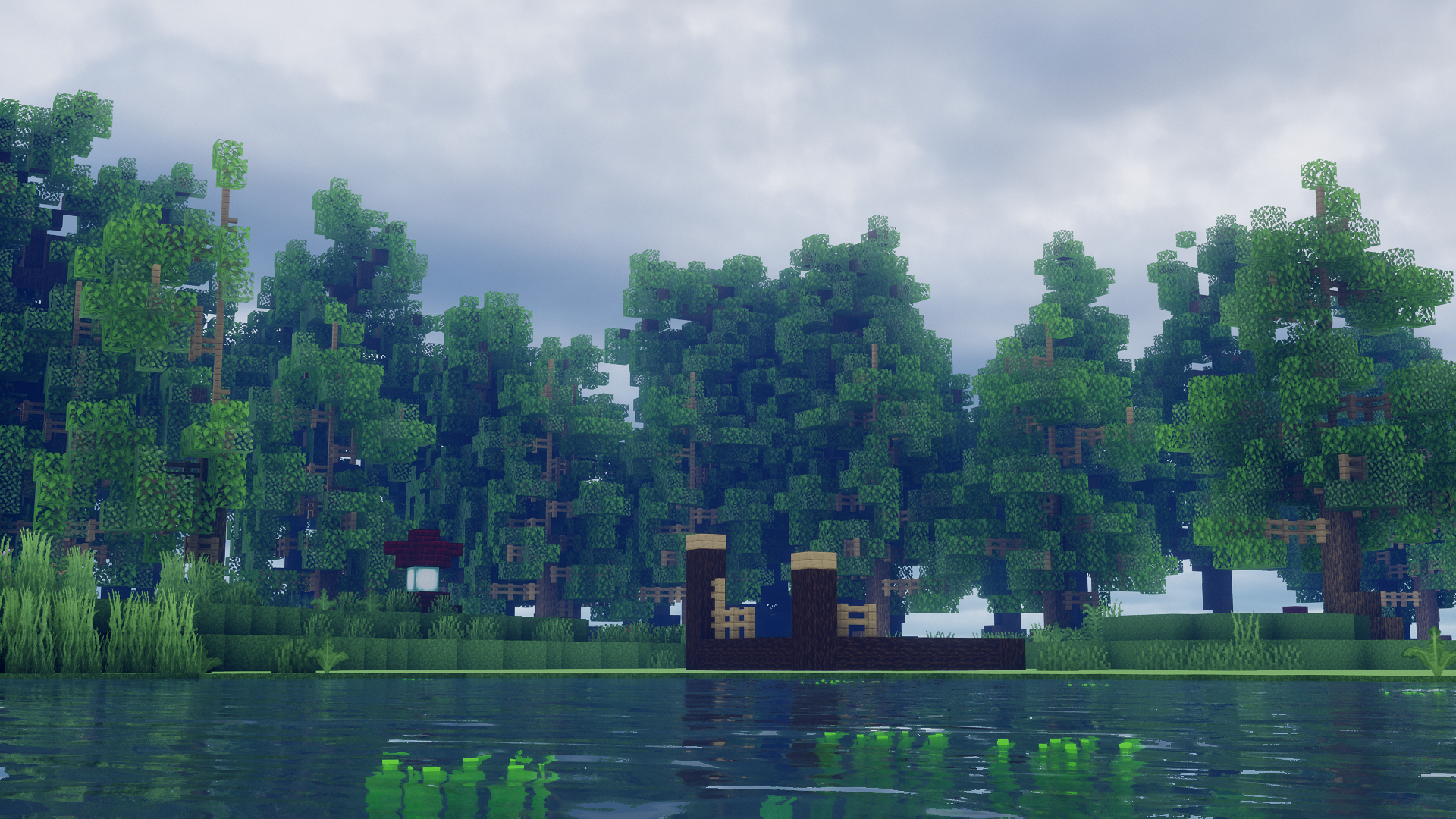
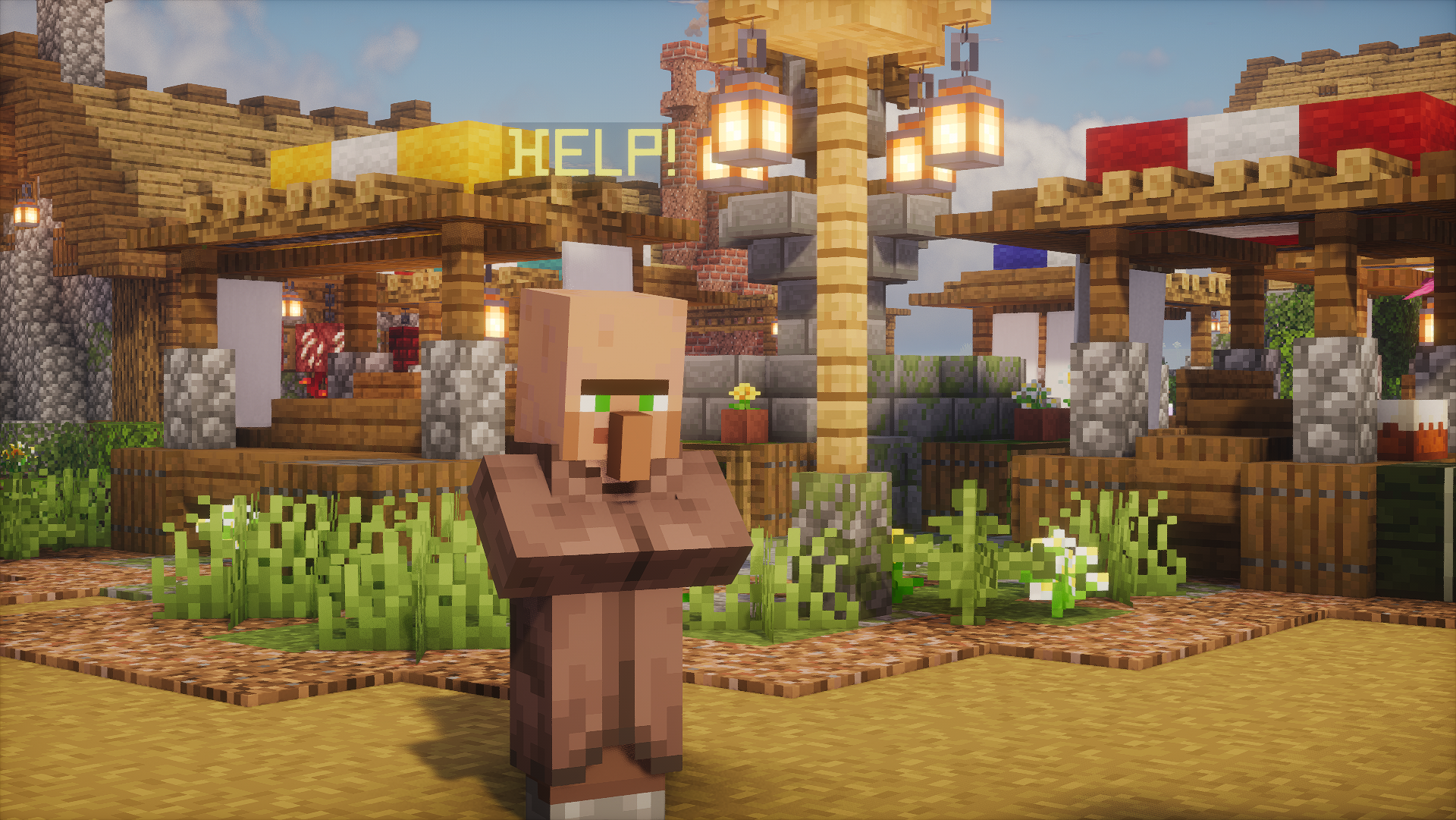
The objective is to rescue villagers in a small town. The villagers are randomly scattered across the map, and you must find them.
When you approach a villager, monsters spawn around them. You must defeat these monsters to rescue the villager. The mission is complete when all villagers have been rescued.
Once all villagers have been rescued, you can use the command "/skip" to shorten the time to 30 seconds.
If a villager dies because they were not rescued in time, points will be deducted at the end of the mission.
DEFEND THE ATLAS
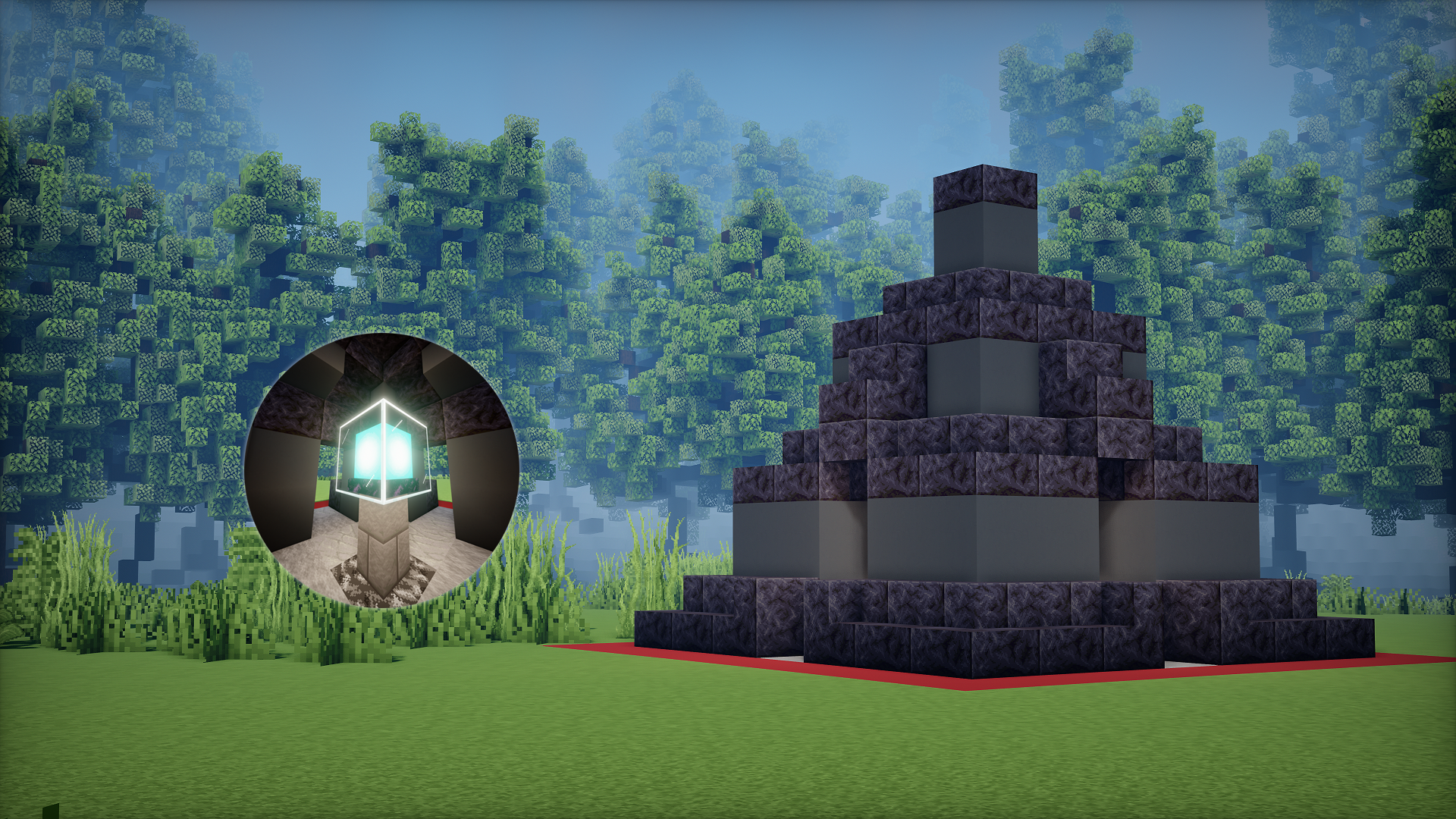
Defend The Atlas is a wave-based defense mode. The main objective is to survive as long as possible and defend your Atlas. With each wave, zombies attack from different directions and with varying abilities.
You can play this mission alone, or invite 3 more friends who can help you reach the highest possible wave.
By interacting with the Atlas, you can also save your wave progress and retrieve it at a later time.
If you lose a wave and your Atlas is at 0 HP, you can reactivate it using points. However, the Atlas will not be fully restored.
Dive
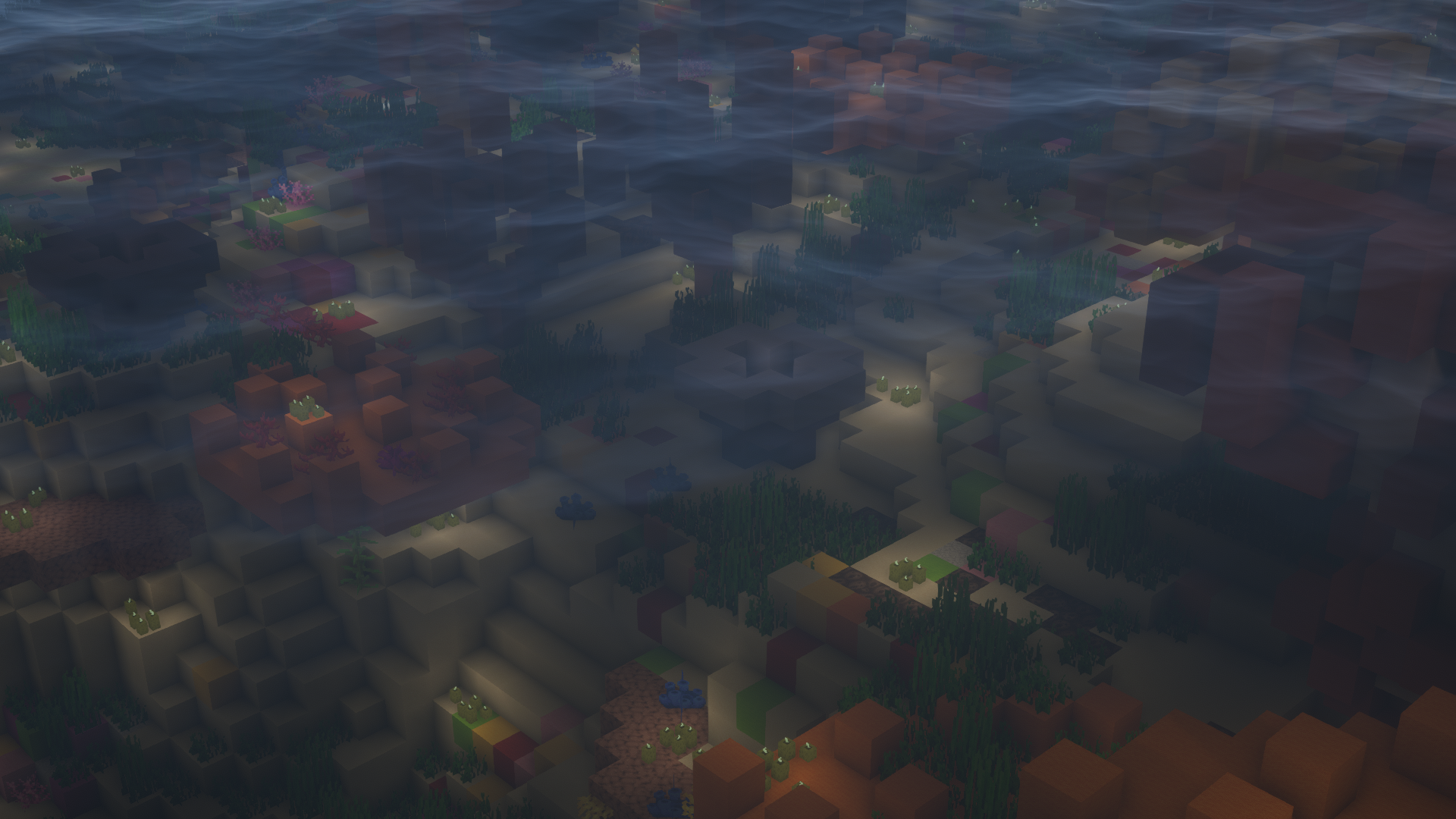
In Dive, the goal is to dive for and collect items. These items yield varying numbers of points, which can be spent on weapons and armor during the buy phase. This is followed by a battle in an arena. The last player standing wins.
DIVING PHASE
At the start of a round, you dive underwater and search for items. You receive points for collecting these items.
BUY PHASE
During the purchase phase, you can use your collected points to buy weapons and armor. You can also enchant your items to make them stronger.
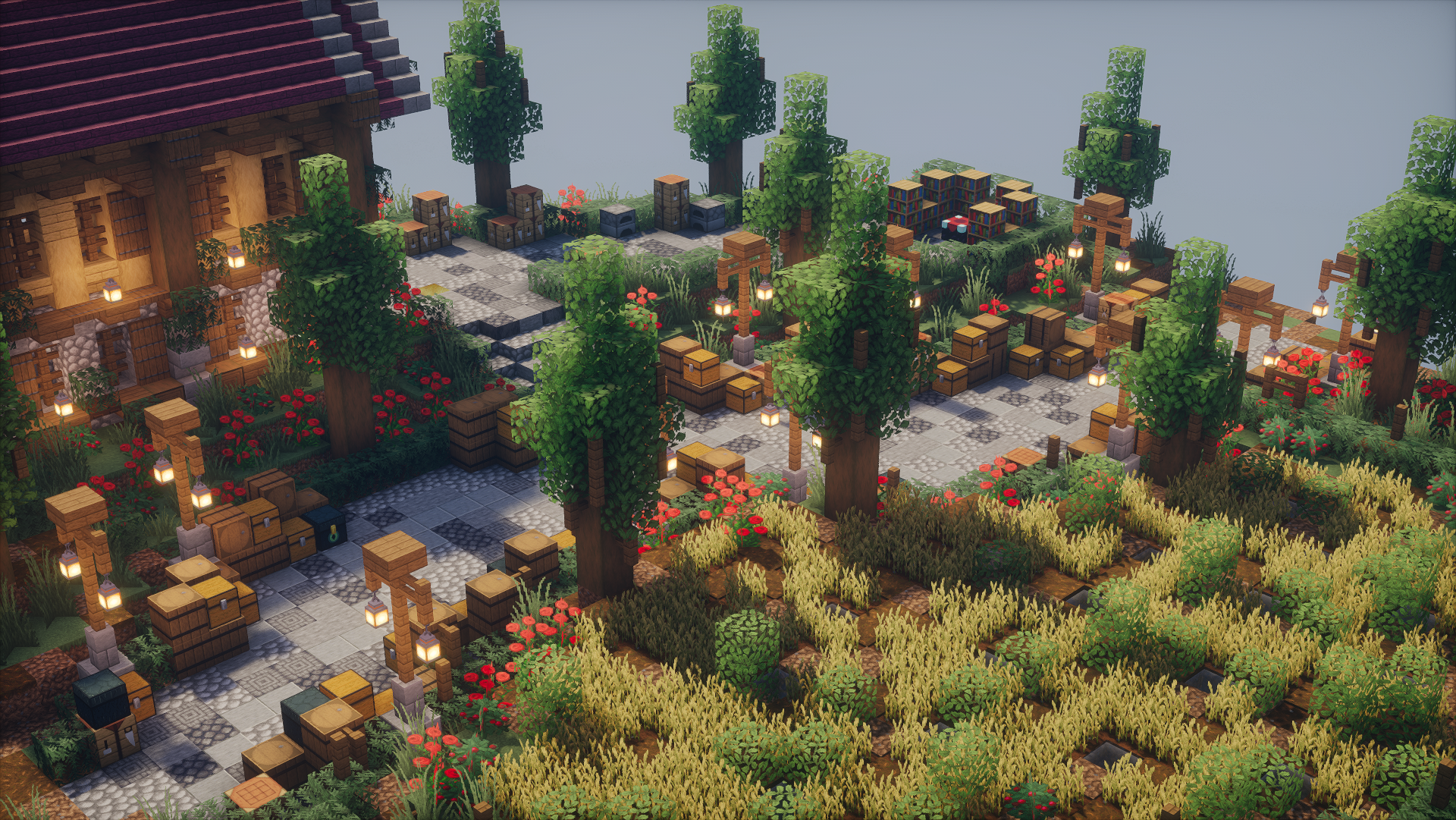
The more points you have collected, the better the items you can buy.
COMBAT PHASE
After the buy phase, the goal is to eliminate your opponents. Each player has 3 lives. A life is lost with each death. The player who survives to the end wins.
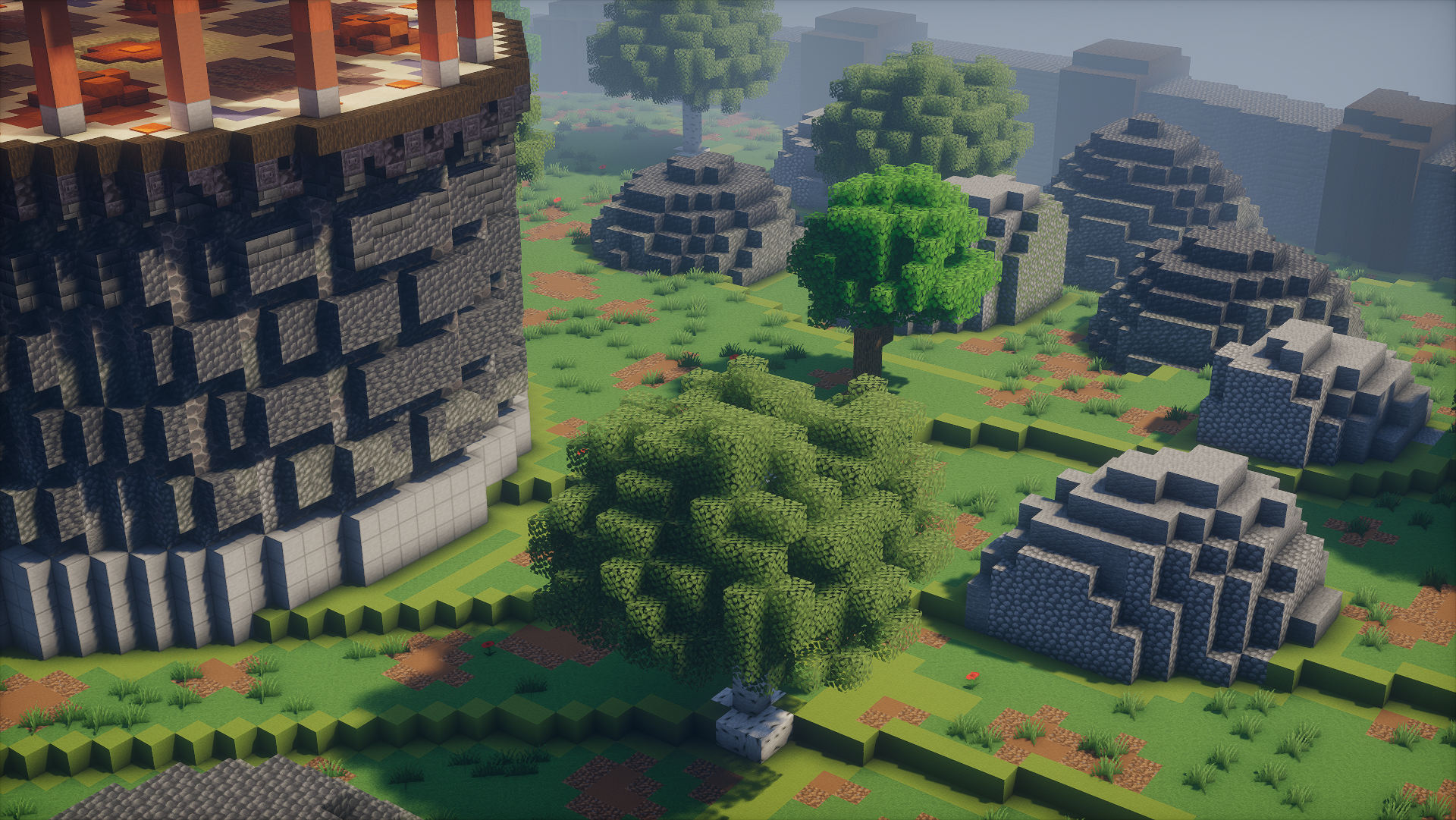
BuildFFA
BuildFFA is a small game mode where the goal is to fight against each other on a map. The map changes every 10 minutes, and it's classic FFA: everyone fights against everyone else.
Small teams of up to 3 players are allowed. Anything beyond that is considered illegal teaming and will not be tolerated.
KILLSTREAKS
There are killstreaks that start after 3 kills. Upon achieving a killstreak, all items are returned. This means that if you've used up your arrow or ender pearl, you'll get them back.
BLOCKS
Placed blocks disappear after a few seconds, but are then added back to the inventory, with the exception of the Cobweb.
COIN SHOP
Each kill and each killstreak awards extra coins. These coins can be spent on cosmetic items or for small events.
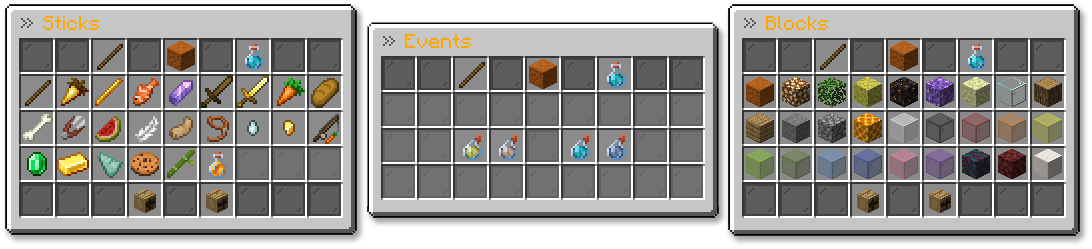
The purchased items provide no gameplay advantage!
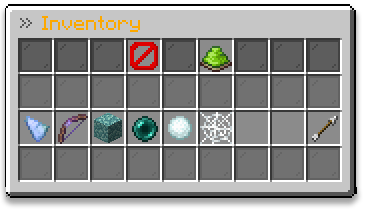
INVENTORY SORT
It's also possible to sort your inventory. This way, it's automatically sorted when you jump down into the PvP zone, and it makes it easier to use your hotkeys.
Referral System
We have added a new system so that players who have been invited to the server by friends, for example, can refer that player. Both players will receive Premium Rank for 3 days.
With /refer <Player> you can select the player who brought you to our network.
If you don't have anyone, you can also enter a random player name and make him happy.
Requirements: You need to have less than 5 hours and at least 30 minutes of playtime on our network
Save The World Texture Pack
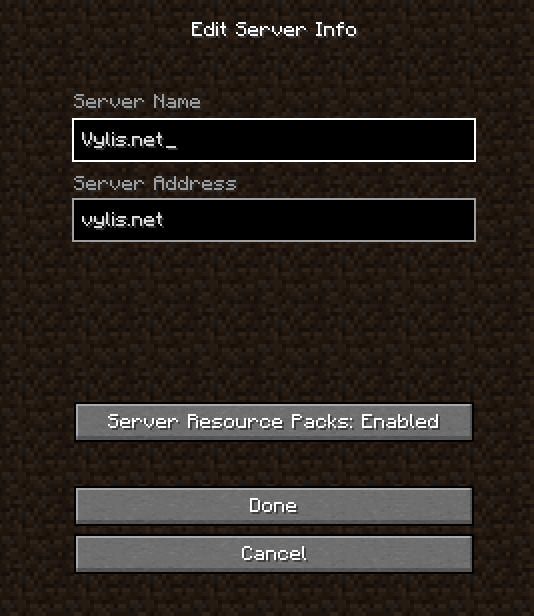
Go to the minecraft multiplayer menu
Click on Vylis.net and on the bottom click Edit
Change Server Resource Packs to Enabled
OR
Download the STW resource pack and put it in your resource packs folder
Thats it!
How to link your Discord Account
You can either link your Discord Account by using the ingame minecraft command /link or by using our discord.
Please use the wiki entries below for more.
Link your Discord Account via Ingame Minecraft
Please make sure, that your Discord DMs are public for everyone! You can change it back afterwards
Run the /link command

Enter your Discord User ID after the /link and run the command
Example: /link 848961908950171688
If everything has worked, you should see this message

If you entered an incorrect ID, type anything in the chat to cancel the process
If everything went well, you will receive a code from the Vylis Discord Bot
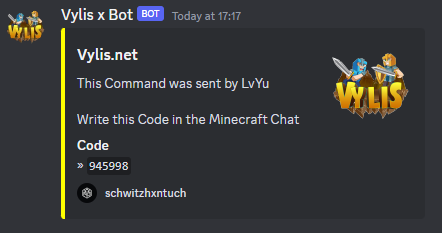
Write the code from the Vylis Discord Bot in the ingame chat and you're done

Link your Discord Account via Discord Server
You must be online on Vylis.net in order to receive the code
Go to the Bot-Commands Channel
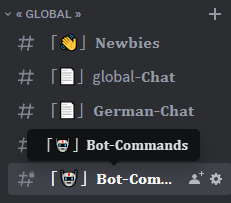
Write /link in the Channel to see some information about the command
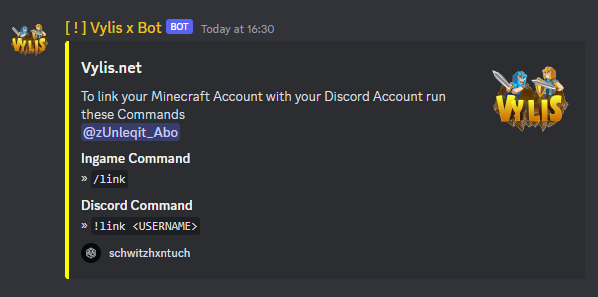
Write /link <Your Minecraft Name> in the Channel

In Minecraft you should now get a code

Write the Code in the Bot-Commands Channel
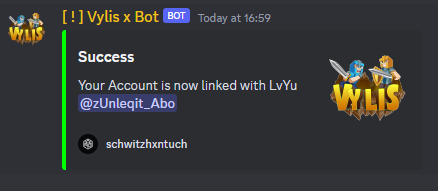
When you have written the code in the channel, you will receive a message that your account is now connected
How to unlink your Discord Account
Write the command /unlink in Minecraft Chat
How to find your Discord User ID
Go to your Discord Settings.

Go to Advanced.
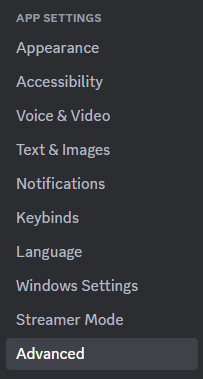
Enable Developer Mode

Go to My Account
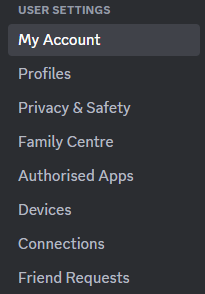
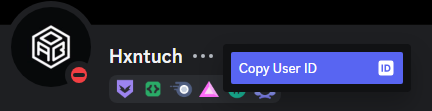
Click on the three dots and there is your User ID
How to link your Forum Account
Please make sure, that you have already an Forum Account created!
Run the /link command
Enter your Forum Code after the '/link forum' and run the command
The code can be found here by clicking VerifyIf everything has worked, you should see this message

How to unlink your Forum Account
Write the command /unlink in Minecraft Chat